
Done!
Now, you have Tuxie's Wiki locally on your computer. You can run npm start in the terminal to start a local web server for development! Have fun exploring!
Info
This guide aims to set up and run Tuxie's Wiki locally to start drafting your contributions to Tuxie's Wiki.
Install Node.js
What is Node.js?
Node.js is a JavaScript runtime environment that allows developers to create servers, scripts, etc. For our case, it's mainly used to run local web servers for development and scripts. Node.js provides a package manager npm.
Install git
sudo dnf install gitsudo pacman -S gitsudo apt-get install gitwinget install --id Git.Git -e --source wingetClone Github repository
cd /folder/directorySelect Open in terminal
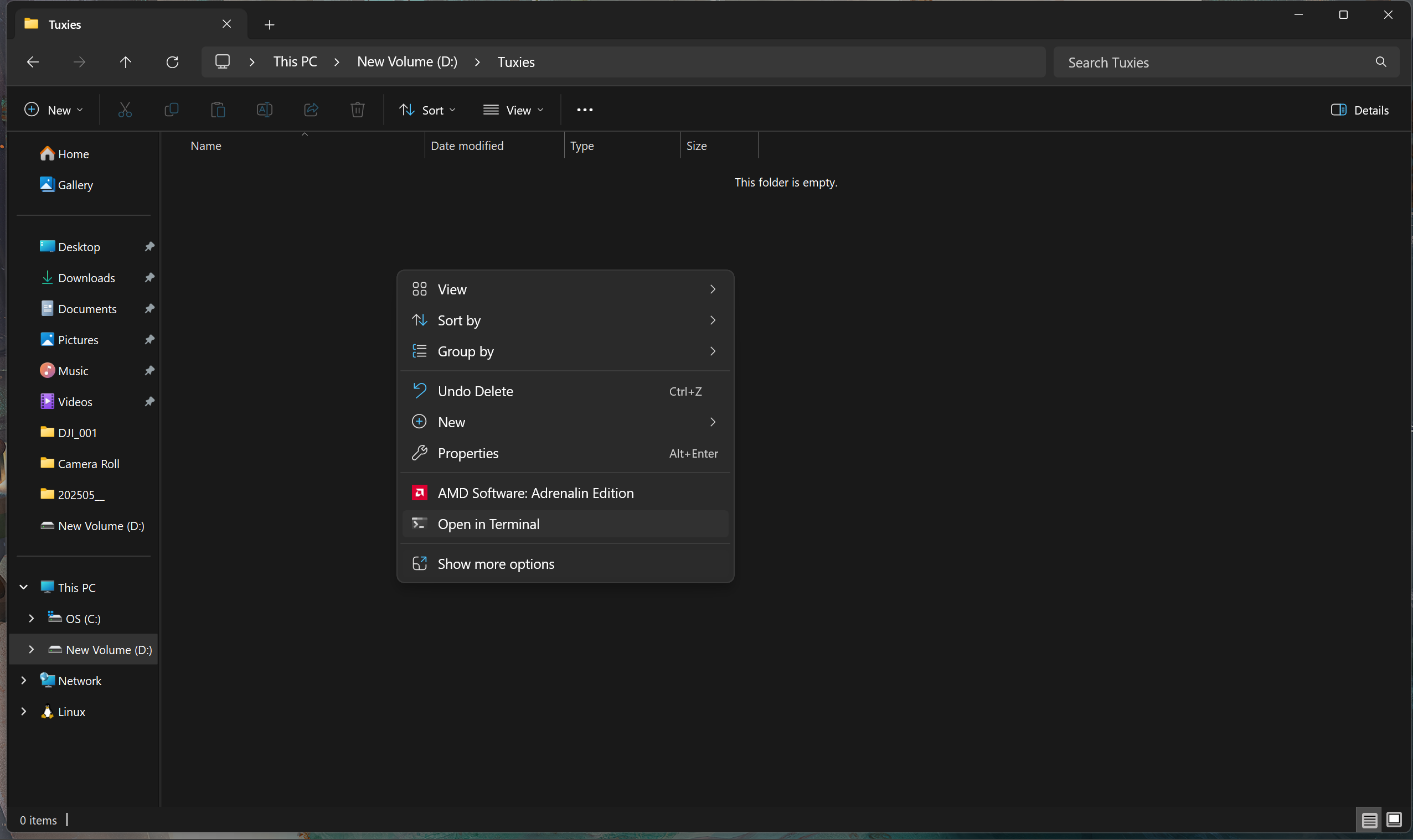
git clone https://github.com/tuxies-wiki-team/tuxies-wiki.gitInstall npm dependencies
Info
Make sure you're within the Tuxie's Wiki folder where the package.json is located
npm installDone!
Now, you have Tuxie's Wiki locally on your computer. You can run npm start in the terminal to start a local web server for development! Have fun exploring!
35118-on 33de5-on 9d47e-on 712b3-on e218b-on 
