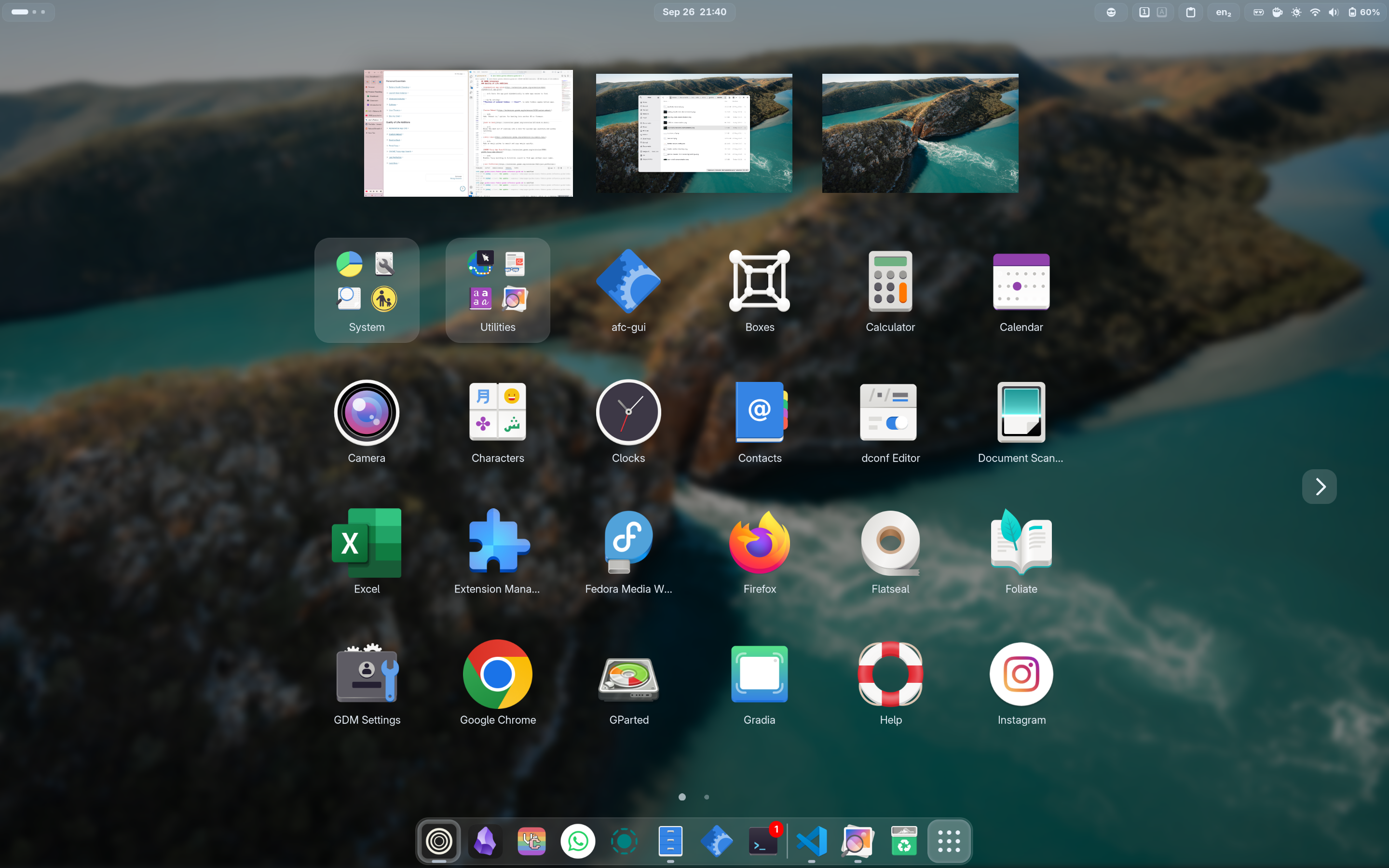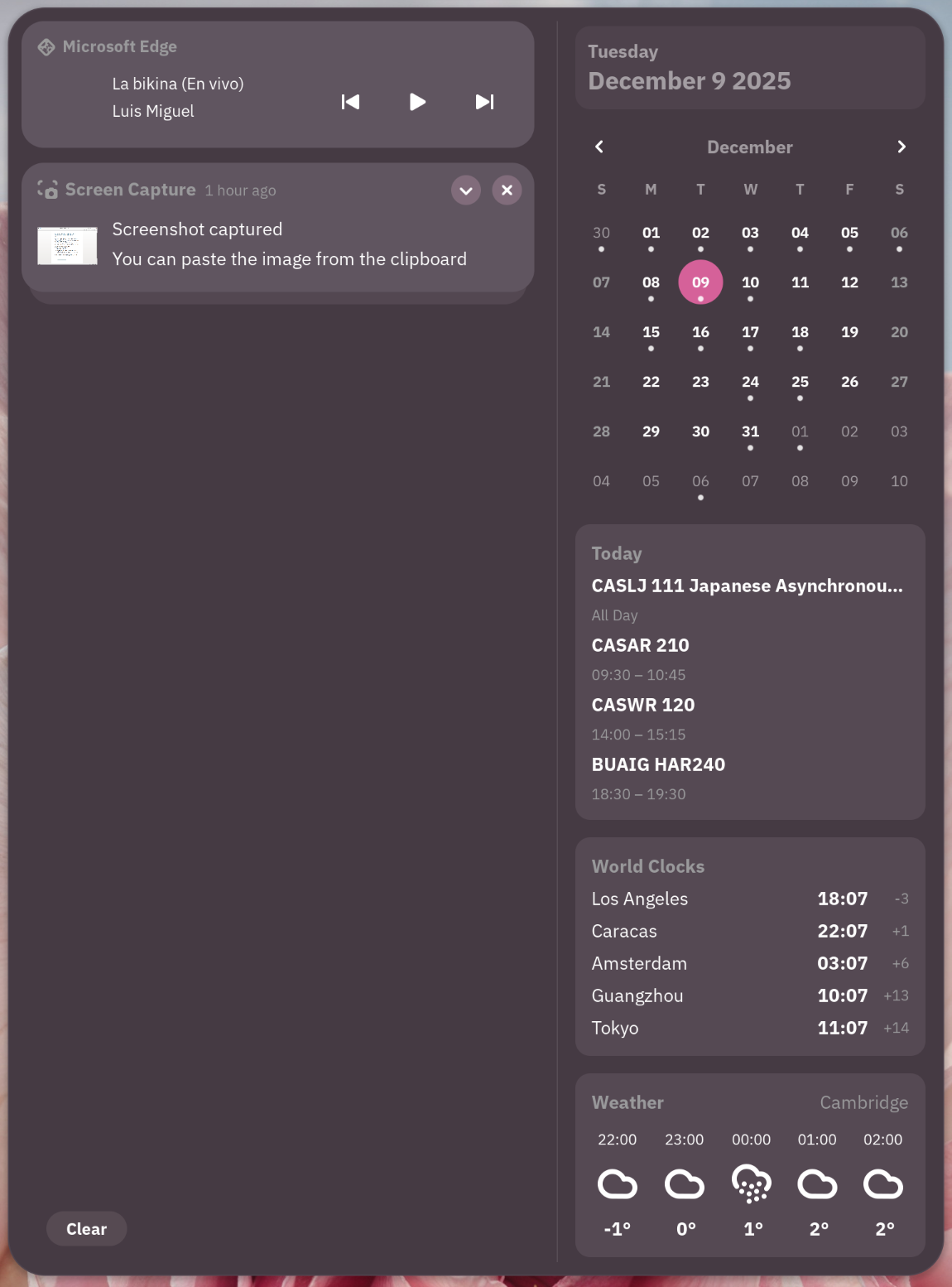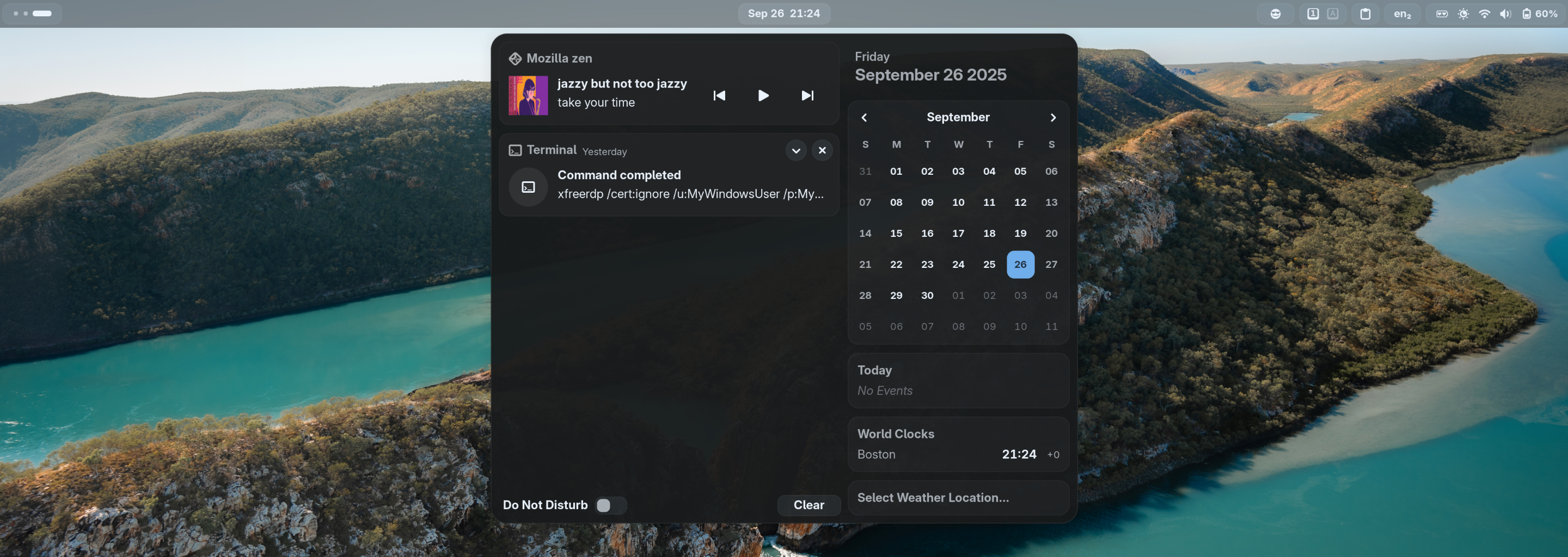
Adds AppIndicator, KStatusNotifierItem and legacy Tray icons support to the Shell.
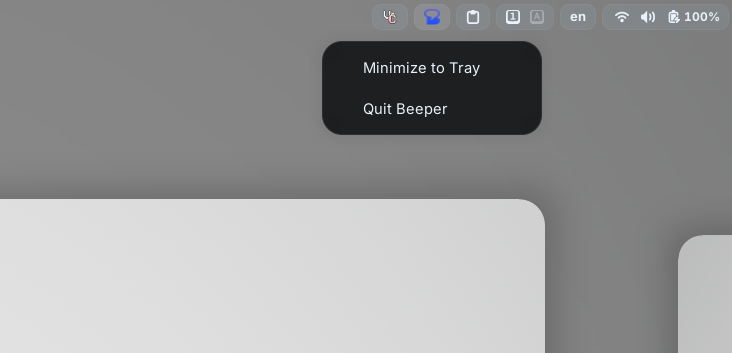
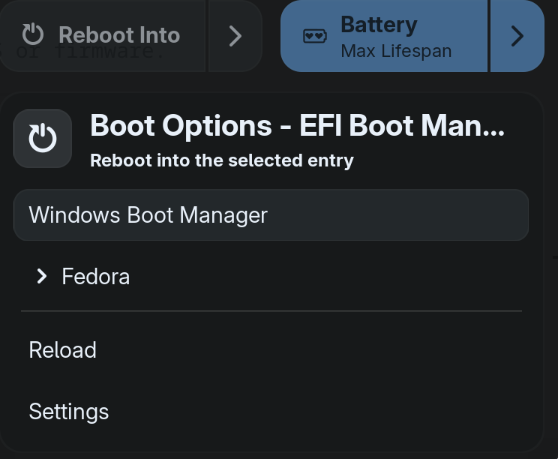
Lets you set charging thresholds to preserve battery health.

Prevents screen dimming and suspension on demand.
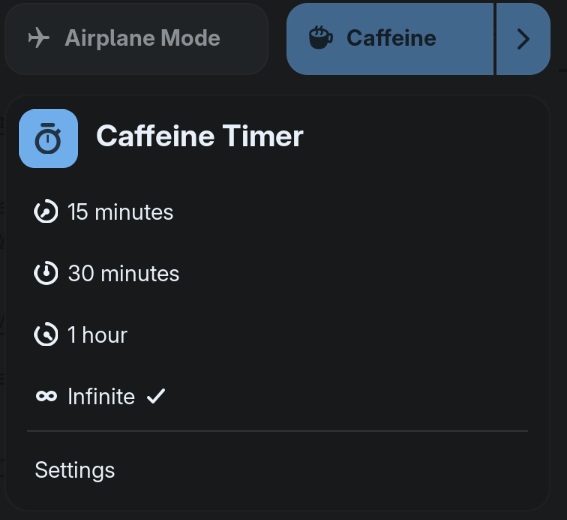
Provides a clipboard history and quick paste menu in the top panel.

Windows-like <Super>v keyboard shortcut
dconf write /org/gnome/shell/keybindings/toggle-message-tray "['<Super>M']"
dconf write /org/gnome/shell/extensions/clipboard-indicator/toggle-menu "['<Super>V']"Moves the dash out of overview into a dock for quicker app launching and window switching.

My settings:
Go to the extension's settings --> Appearances, turn on Shrink the dash to make the dash smaller and slicker.
Tweaks or hides nearly every GNOME Shell UI element for fine‑grained control.
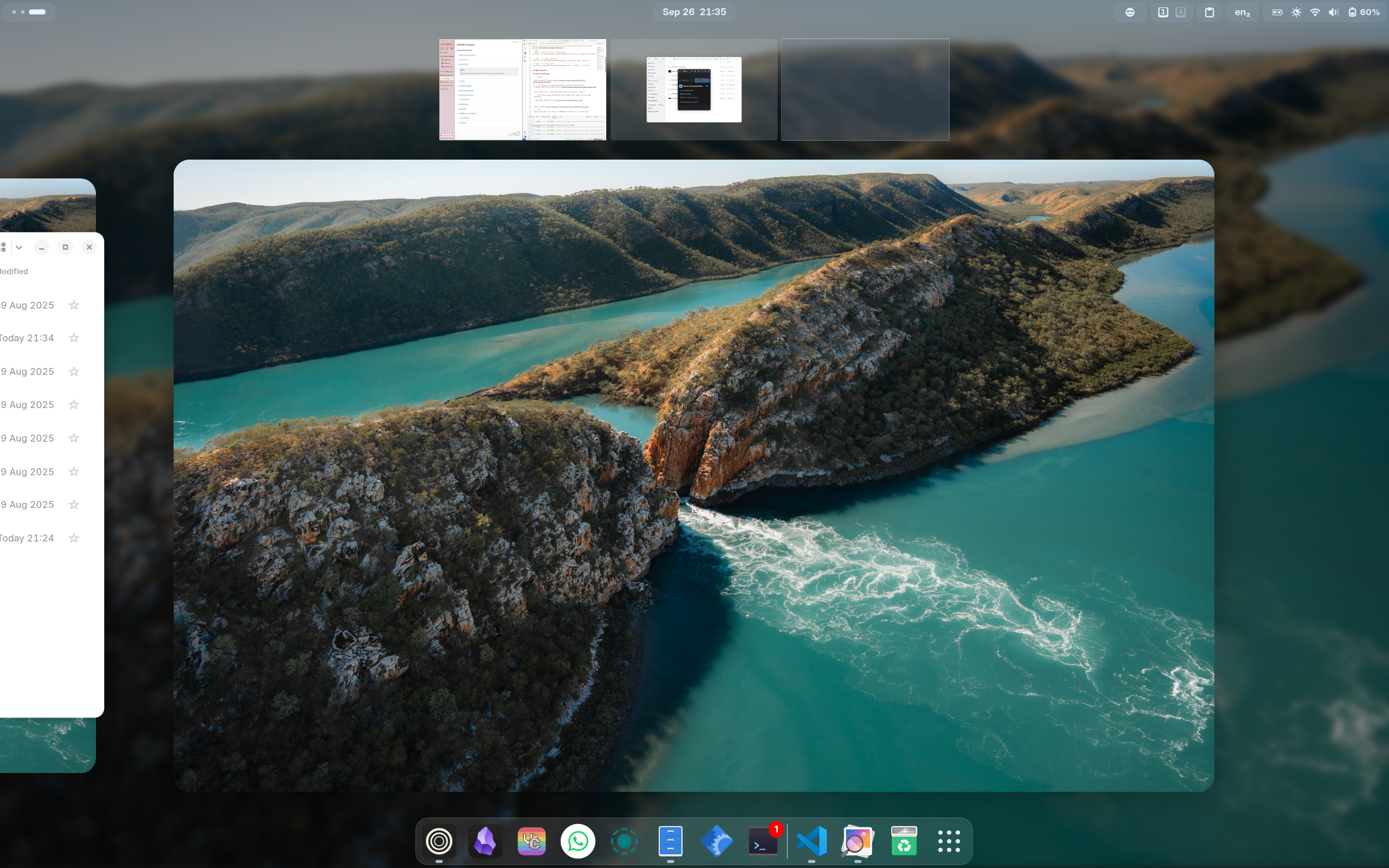
My settings:
# Make top bar thinner
dconf write /org/gnome/shell/extensions/just-perfection/panel-size 28

# Hide ripple box in hot corner
dconf write /org/gnome/shell/extensions/just-perfection/ripple-box false

# Hide searchbar in overview (you can still search
# by just typing)
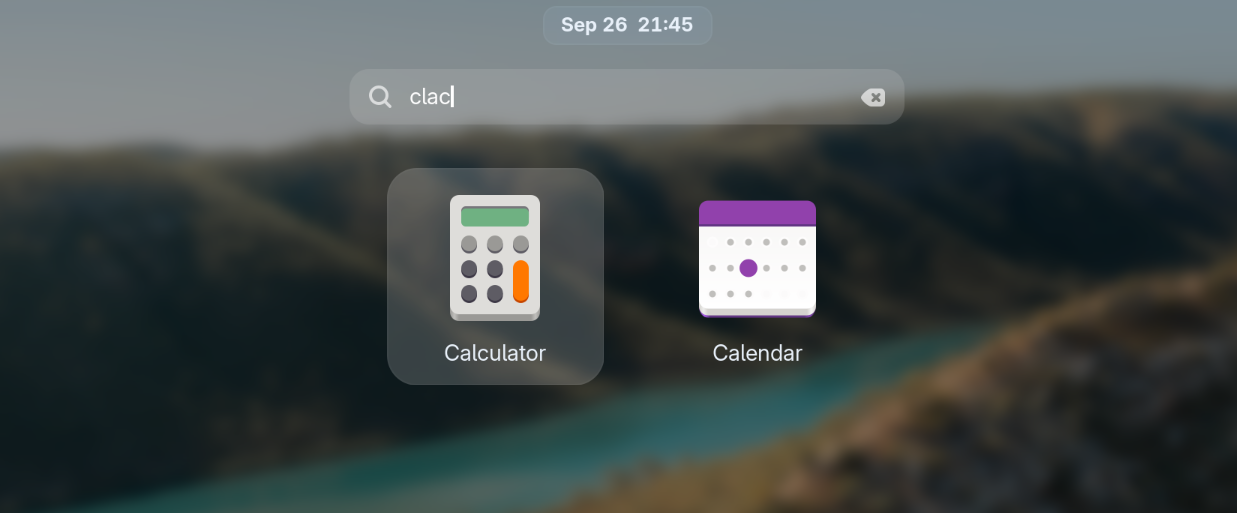
dconf write /org/gnome/shell/extensions/just-perfection/search false

# Hide window titles when hovering over windows in
# overview
dconf write /org/gnome/shell/extensions/just-perfection/window-preview-caption false

# Always show workspace switchers no matter how many
# workspaces are opened (especially useful for dynamic
# workspace users)
dconf write /org/gnome/shell/extensions/just-perfection/workspace-switcher-should-show true

# Make workspace switchers larger
dconf write /org/gnome/shell/extensions/just-perfection/workspace-switcher-size 13Offers many UI changes to make Gnome more Mac-like. I use it for the window title, lock key indicator, and transparent window move function.
# aier's Kiwi settings

# Disable (for consistency):
# This feature stylizes titlebuttons to look
# like traffic lights. They can be inconsistent.
dconf write /org/gnome/shell/extensions/kiwi/enable-app-window-buttons "false"
dconf write /org/gnome/shell/extensions/kiwi/show-window-controls "false"

# Enable (for aesthetics):
# Stylize the keyboard layout indicator
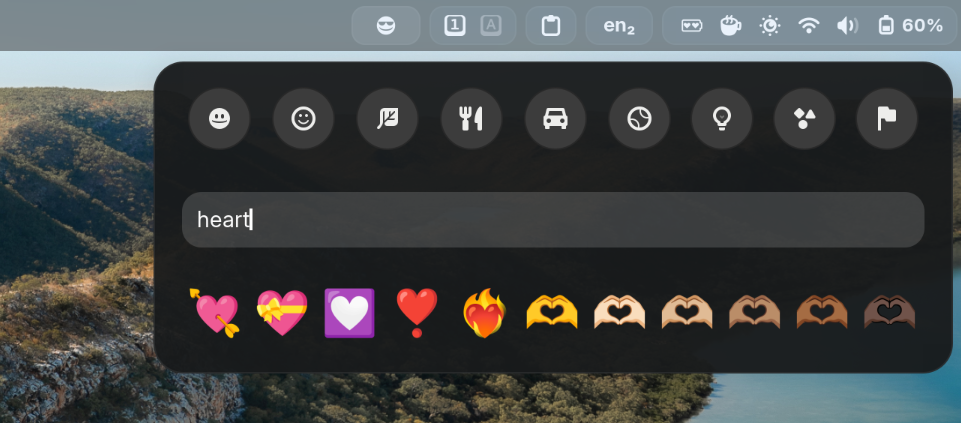
dconf write /org/gnome/shell/extensions/kiwi/keyboard-indicator "true"

# Enable (for utility):
# Great utility; allows you to see lock keys
# status on the top bar. This replaces the lock
# keys extension that used to be in my setup.
dconf write /org/gnome/shell/extensions/kiwi/lock-icon "true"

# Disable (for personal preference):
# This feature moves the clock to the right and
# moves notifications to the quick settings.
# I prefer the original Gnome layout.
dconf write /org/gnome/shell/extensions/kiwi/move-calendar-right "false"

# Disable (due to buginess & personal preference)
# I personally dislike this behavior as I
# prefer manual window and workspace management.
dconf write /org/gnome/shell/extensions/kiwi/move-window-to-new-workspace "false"

# Enable (for aesthetic & utility)
# This fills up empty space on the left side and
# you can click on it for additional functionality.
dconf write /org/gnome/shell/extensions/kiwi/show-window-title "true"

# Disable (due to buginess & personal preference)
dconf write /org/gnome/shell/extensions/kiwi/transparent-move "false"